A LEFT OUTER JOIN (or simply LEFT JOIN) returns all records from the left table, along with matching records from the right table. If no match is found, columns from the right table are filled with NULL. This join ensures that all rows from the left table are preserved, even if no corresponding records exist in the right table.
In other words, grab everything from Table A, as well as anything in Table B that is also in Table A.
SELECT * FROM TableA
LEFT OUTER JOIN TableB
ON TableA.col_match = TableB.col_match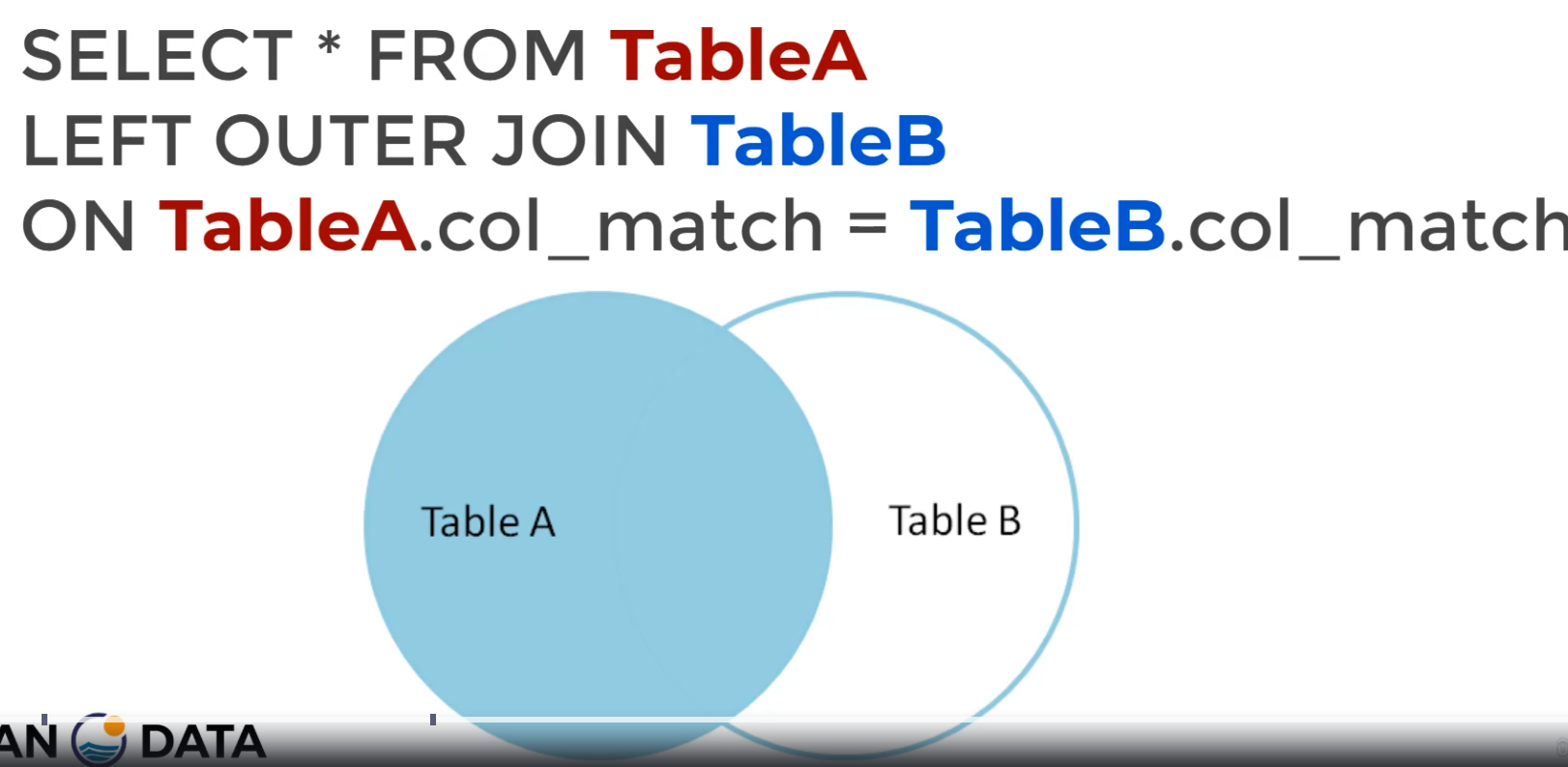
Note that we can also use the left join to find rows that are unique to Table A using a WHERE clause:
SELECT * FROM TableA
LEFT OUTER JOIN TableB
ON TableA.col_match = TableB.col_match
WHERE TableB IS null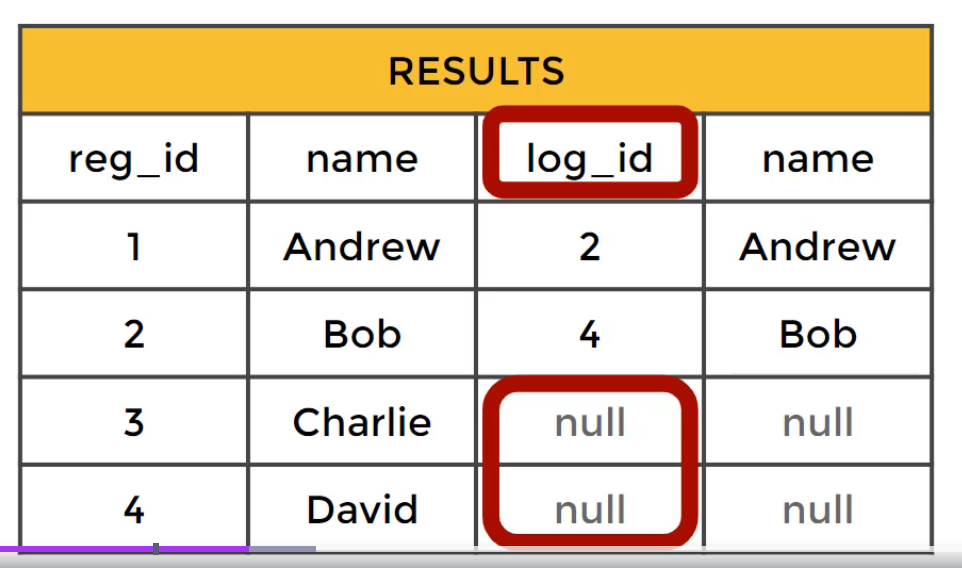
Example
Given two tables:
Customers
| id | name | city |
|---|---|---|
| 1 | Alice | New York |
| 2 | Bob | Chicago |
| 3 | Charlie | San Diego |
| 4 | David | Miami |
Orders
| id | customer_id | product |
|---|---|---|
| 1 | 1 | Laptop |
| 2 | 1 | Keyboard |
| 3 | 3 | Monitor |
| 4 | 5 | Mouse |
Executing a LEFT JOIN:
SELECT Customers.name, Orders.product
FROM Customers
LEFT JOIN Orders ON Customers.id = Orders.customer_id;
Result:
| name | product |
|---|---|
| Alice | Laptop |
| Alice | Keyboard |
| Charlie | Monitor |
| Bob | NULL |
| David | NULL |
Explanation:
- Alice and Charlie had matching orders, so they appear with their respective products.
- Bob and David had no matching orders, so
NULLappears in theproductcolumn. - The order for customer ID
5(Mouse) is not included, since it has no match inCustomers.
Key Differences from Other Joins
| Join Type | Includes Unmatched Rows? | Where Do NULLs Appear? |
|---|---|---|
| INNER JOIN | ❌ No | No unmatched rows |
| LEFT JOIN | ✅ Yes (left table) | Right table columns |
| RIGHT JOIN | ✅ Yes (right table) | Left table columns |
| FULL OUTER JOIN | ✅ Yes (both tables) | Both sides where no match exists |